

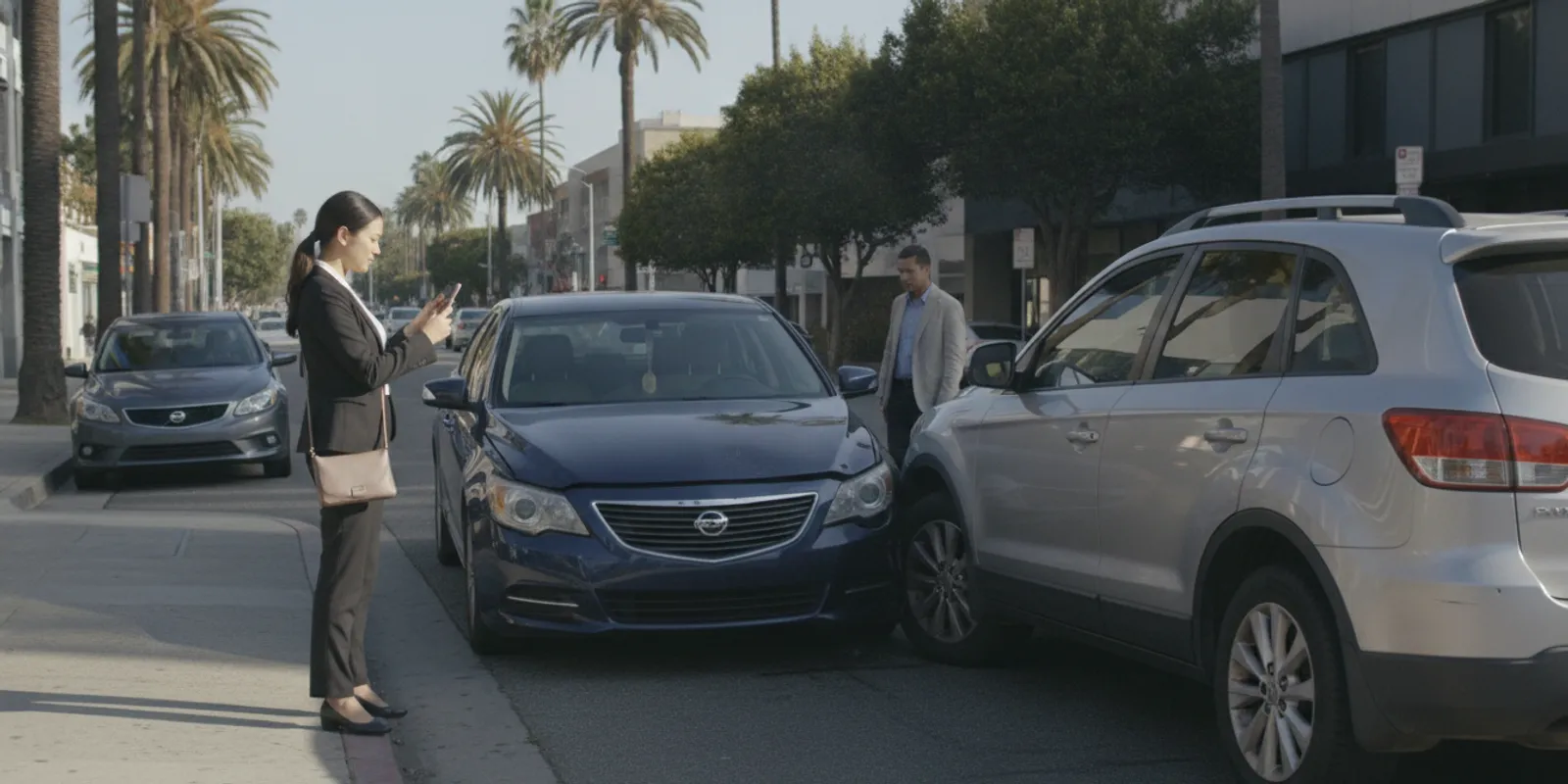
Knowing how to report an Uber accident can help protect your health and preserve important claim evidence. Start with medical attention when needed, notify law enforcement if the incident warrants it, and make a report through the Uber app. Keep copies of every message and record. The steps below explain what to do in a clear order.
Contact DC Law Group to discuss your accident
What should you do first after an Uber collision?
Prioritize safety. Move away from active traffic if you can do so safely, and call emergency services when anyone may be seriously hurt or there is an immediate hazard. Do not leave an unsafe vehicle in a traffic lane to take photographs. Follow instructions from emergency responders.
Get medical care promptly, even if the symptoms seem manageable at first. Some injuries are not obvious at the scene. Tell the treating provider when and how the collision happened, describe each symptom accurately, and follow the provider’s advice. Keep discharge paperwork, referrals, prescriptions, and appointment records.
If you can do so safely, collect the names and contact details of the drivers and witnesses, vehicle descriptions, license plate numbers, and insurance information. Take wide and close photographs of vehicle positions, visible damage, road conditions, traffic controls, and any visible injuries. Do not argue about fault or guess at facts you did not observe.
If law enforcement responds, give a factual account and ask how to obtain the incident report or its reference number. If officers do not attend, write down the time, location, people involved, and what each person said while your memory is fresh. A report is one source of information; it does not, by itself, decide legal responsibility.
How do you report an Uber accident in the app?
When you are able, open the Uber app associated with the trip. Use the in-app Help or safety-reporting option for the trip and choose the option that matches a crash or safety incident. The screen labels and available choices can change, so follow the current prompts rather than relying on an old screenshot or a particular menu name.
- Select the correct trip. Confirm the date, pickup, destination, and driver shown in the trip history. If the incident happened while a driver was waiting for a request or between trips, it may not appear as an ordinary passenger trip in your account. Explain that distinction in your report.
- Describe the event plainly. State when and where the collision occurred, who was in the vehicle, whether anyone reported an injury, and whether emergency responders attended. Separate what you personally saw from what another person told you.
- Identify immediate needs. Use the available safety or support channel to report urgent concerns. For a medical emergency, contact emergency services rather than relying on an app message.
- Save proof of submission. Take a screenshot of the confirmation, note the time sent, and retain any case or support reference number. Save the follow-up messages and any file attachments.
- Update the report when needed. If you later learn a material fact, such as a new medical diagnosis or a correction to the location, provide an accurate update through the available channel. Keep a copy of the update.
Report the event even if the vehicle damage appears minor or nobody requested an ambulance at the scene. A prompt, accurate account can help establish what was communicated and when. Do not exaggerate, speculate, or make a statement simply because another person asks you to accept blame.
Passengers should report through the account used to book the trip. A driver involved in a collision should use the driver-side reporting process and follow any separate instructions from the vehicle owner or employer. If a person cannot access the account, preserve the trip details and use a currently available Uber support channel to request help documenting the incident.
Who else should receive a report?
The app report is not a substitute for other reports that may be appropriate. Depending on the facts, notify law enforcement, the vehicle owner, your own insurer, and any other insurer that contacts you. A rideshare collision can involve more than one policy or potentially responsible party. Do not assume the app report automatically notifies every insurer or satisfies every policy requirement.
In a California injury matter, coverage questions may depend on the driver’s activity at the time of the collision. For example, the driver may have been offline, available for a request, traveling to pick up a rider, or carrying a passenger. Those distinctions can affect which insurance policies may need review. Provide accurate trip details and avoid guessing which policy applies.
Ask each insurer or representative for the name of the company, the claim reference, the adjuster’s contact details, and the documents they want. Keep a dated note of calls, including who spoke, the main points, and any requested next step. If you are asked for a recorded statement, a broad authorization, or a settlement release, understand what you are agreeing to before signing or responding.
Uber-related claims can involve distinct questions about a driver, another motorist, and the rideshare platform’s records or insurance. A review by Uber accident attorneys can help identify which facts and coverage records may need examination. For broader context, see the firm’s guide to Uber and Lyft accident representation.
Which evidence should you preserve?
Preserve original files when possible. Avoid cropping, annotating, or applying filters to the only copy of a photograph. Back up useful records in a secure place and keep a simple list describing the date, source, and subject of each item.
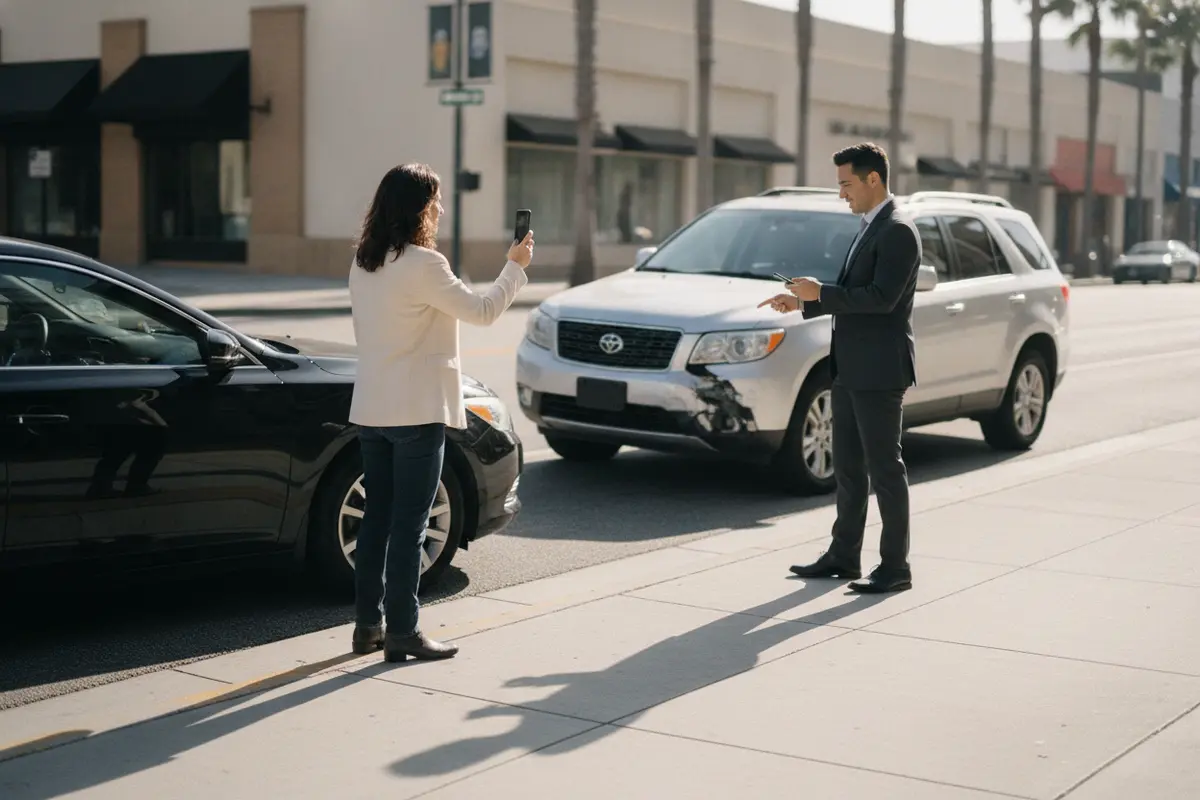
A rideshare passenger records vehicle details after a collision
- Trip records: Save the trip receipt, route, pickup and drop-off details, driver profile information displayed in your account, and any trip-status screen that remains available.
- App correspondence: Preserve support messages, incident confirmations, emails, and reference numbers. Keep the original message where available, not only a copied excerpt.
- Scene evidence: Keep photographs and videos of the vehicles, roadway, traffic signs, lighting, weather, debris, and visible damage. Note where each image was taken and approximately when.
- Witness information: Record each witness’s name and preferred contact method, and write down a neutral summary of what the person says they observed. Do not coach a witness or ask them to adopt your description.
- Medical records: Keep visit summaries, referrals, work restrictions, bills, and a personal log of symptoms and daily limitations. Record dates and changes without adding conclusions that a medical provider did not give.
- Other communications: Retain letters, claim forms, repair estimates, towing or storage documents, and messages from drivers, vehicle owners, insurers, or representatives.
Some electronic records may be held by the platform, drivers, insurers, or third parties rather than by you. Write down what records may exist and why they matter. An attorney can assess whether a targeted preservation request is appropriate. Do not access another person’s account or device, and do not try to obtain records by misrepresenting who you are.
For an overview of ridesharing and crash research, a study published in the National Library of Medicine’s PubMed Central examines ridesharing and motor vehicle crashes in four U.S. cities. It addresses a different research question from an individual claim, so it should not be treated as proof of fault or coverage in a particular collision: Ridesharing and Motor Vehicle Crashes in 4 US Cities.
What information helps an attorney evaluate the incident?
An organized timeline helps counsel test how the event happened and identify missing records. Write down the time you requested the ride, when the vehicle arrived, where you were seated, the route, and the point of impact. Include the direction of travel and the actions you observed immediately before the collision. Label uncertainty as uncertainty rather than filling a gap with a guess.
Describe your injuries and treatment in chronological order. Include the first symptoms, when you sought care, later appointments, and any instructions that changed your work or regular activities. If symptoms developed later, note when they began and tell your provider. Do not edit medical records or omit information that may be unfavorable; accurate, complete documentation is more useful than a selective account.
Also note possible sources of independent evidence, such as nearby cameras, vehicle cameras, business security systems, or witnesses who left before responders arrived. Record the location and the likely owner of a camera if known. Some recordings may not be retained indefinitely, so tell counsel promptly about a source that may be time-sensitive.
DC Law Group handles personal injury matters, and its car accident practice page describes another related type of collision claim. The particular parties and records involved depend on the incident; a general online guide cannot determine liability in an individual matter.
What should you include in a written incident account?
A written account does not need legal terminology. Its purpose is to preserve a reliable sequence of events and identify details that can be checked against other records. Start with the date, approximate time, exact location, and your role in the trip. Note whether you were a passenger, driver, or occupant of another vehicle. Include the direction each vehicle was traveling if you know it, but mark estimates as estimates.
Describe the events in chronological order: what you were doing immediately before impact, what you observed, what happened at impact, and what occurred afterward. Use concrete descriptions such as where a vehicle was positioned or which direction it moved. Avoid statements about a person’s motive or conclusions about who violated a rule unless you have direct knowledge. If you do not remember a detail, say so.
Record the names of people you spoke with and the substance of the conversation. Separate a witness’s words from your own observations. If someone offered a different account, write down the difference without arguing about it. Include the names of responding agencies, any report reference, and the time you contacted Uber or an insurer.
Keep this account private and share it only with people who need it to address the incident or your legal matter. Do not alter an earlier version to make it agree with later information. If you remember an additional detail, add a dated note explaining that it is a later recollection. Consistent, transparent records are more useful than a polished story that hides uncertainty.
How can you prepare for a legal consultation?
You do not need to solve the coverage question before asking for guidance. A concise, organized packet can help an attorney understand the issue and identify what remains unknown. Gather what you already have; do not delay necessary care or alter records while trying to make the file complete.
- Write a short timeline with the collision date, location, trip status, and key events.
- List each vehicle, driver, passenger, witness, responding agency, and insurer known to you.
- Collect the trip receipt, app report confirmation, claim references, and relevant correspondence.
- Group medical records by date and include upcoming appointments or current care instructions.
- Identify unanswered questions, such as missing camera footage, a disputed account, or an insurer request you do not understand.
Bring originals or clear copies and explain where each item came from. Be candid about gaps, prior communications, and facts that may not support your position. An attorney can explain what additional information may be useful and whether any further steps are appropriate based on the specific facts.
How do the reporting steps differ by role?
| Person involved | First report to consider | Records to preserve | Important point |
|---|---|---|---|
| Passenger | Report the trip incident through the rider account; seek medical help and contact emergency services when needed. | Trip receipt, app support messages, driver details, photographs, and treatment records. | Confirm which trip is involved and keep the support confirmation. |
| Uber driver | Use the driver-side incident channel; notify the vehicle owner and relevant insurer as appropriate. | Trip or request status, driver app screens, vehicle records, insurer communications, and witness details. | Record whether the app showed the driver offline, waiting, en route, or carrying a rider. |
| Occupant of another vehicle | Document the scene, provide accurate information to responding authorities, and notify the appropriate insurer. | Other vehicle and driver details, scene images, witness contacts, and all claim correspondence. | Do not assume the rideshare company is the only possible insurance source. |
| Witness | Share contact information and a truthful account with responders or the involved parties. | Your own notes about time, location, viewpoint, and what you observed. | Distinguish direct observations from later descriptions by others. |
What reporting mistakes should you avoid?
- Waiting to record basic facts. Memory changes. Make a short, factual timeline as soon as you are able.
- Assuming one report reaches everyone. The app, police, and insurance companies have separate processes. Confirm each report through its own channel.
- Guessing about fault or coverage. Describe what you observed. Let the available evidence and policy records be reviewed.
- Posting scene details publicly. Avoid sharing speculation, medical information, or other parties’ private details on social media.
- Discarding original records. Keep the full message, file, or photograph and make a backup rather than retaining only a shortened excerpt.
- Signing before you understand the document. Ask what a release or authorization covers and whether it may affect other claims before agreeing.
For additional context about liability issues involving platform rides, review Uber and Lyft accident liability in California. The details of a particular collision still require an individual review of the evidence and applicable coverage.
call DC Law Group at (310) 571-8860.
Frequently asked questions
Should I report an Uber accident if nobody seems hurt?
Make an accurate app report and document the event even if no one requests emergency care at the scene. Seek medical advice if symptoms appear or continue, and keep the report confirmation and related records.
Does an Uber app report count as a police report?
No. An in-app report documents notice to Uber through its available support process. It is separate from a report made to law enforcement. Contact authorities when required or appropriate, and save the reference details for each report.
What if I cannot access the Uber account used for the ride?
Save any trip receipt, email, payment record, or other information that identifies the ride. Use a currently available Uber support channel to explain the access issue and request a way to document the incident. Keep copies of your request and the response.
How soon should I speak with an attorney?
Consider seeking legal guidance promptly when someone is injured, the facts are disputed, multiple vehicles or insurers are involved, or important electronic records may be at risk of deletion. Deadlines and coverage questions depend on the facts, so do not assume a particular period applies to every matter.
Can I rely on the app report to establish who caused the collision?
No. The report records information submitted through the app, but responsibility may depend on additional evidence, including witness accounts, scene records, vehicle information, and insurance documents. Give an accurate account and preserve independent evidence where available.
Request a consultation with DC Law Group
Taking these steps can preserve a clear record while you focus on medical care and the next decisions about your claim.